
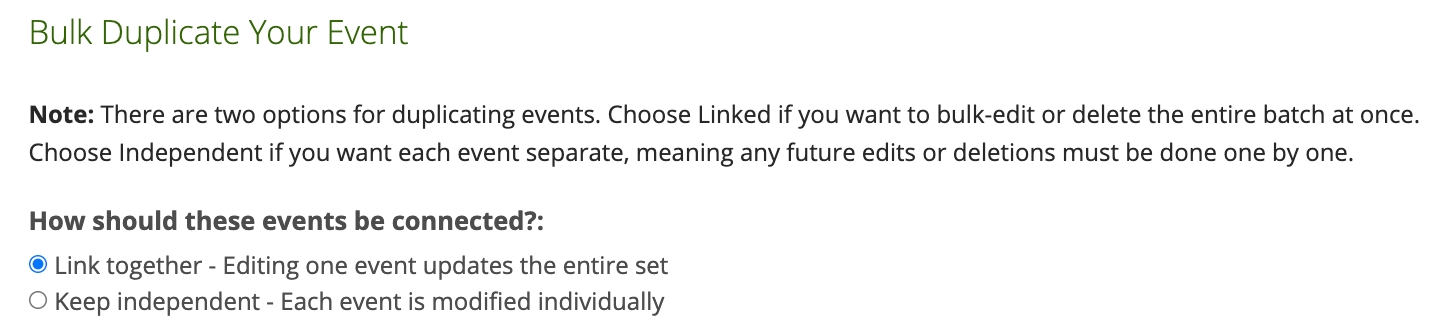
When you bulk duplicate events, you will be asked if you'd like to link the events together or keep them independent.
If you link the duplicated events together, you will be able to edit one event in the set and apply the updates to all linked events.
When you visit an event in a set, you will see a link icon next to the event name indicating that it is linked to other events.
When you edit the event, a new setting will appear at the bottom of the edit page asking you to confirm how you would like to save your changes.
You can either keep the event linked and update all future events, or you can unlink the event to manage it individually.
Note: Changes to the event date will not apply to future events.

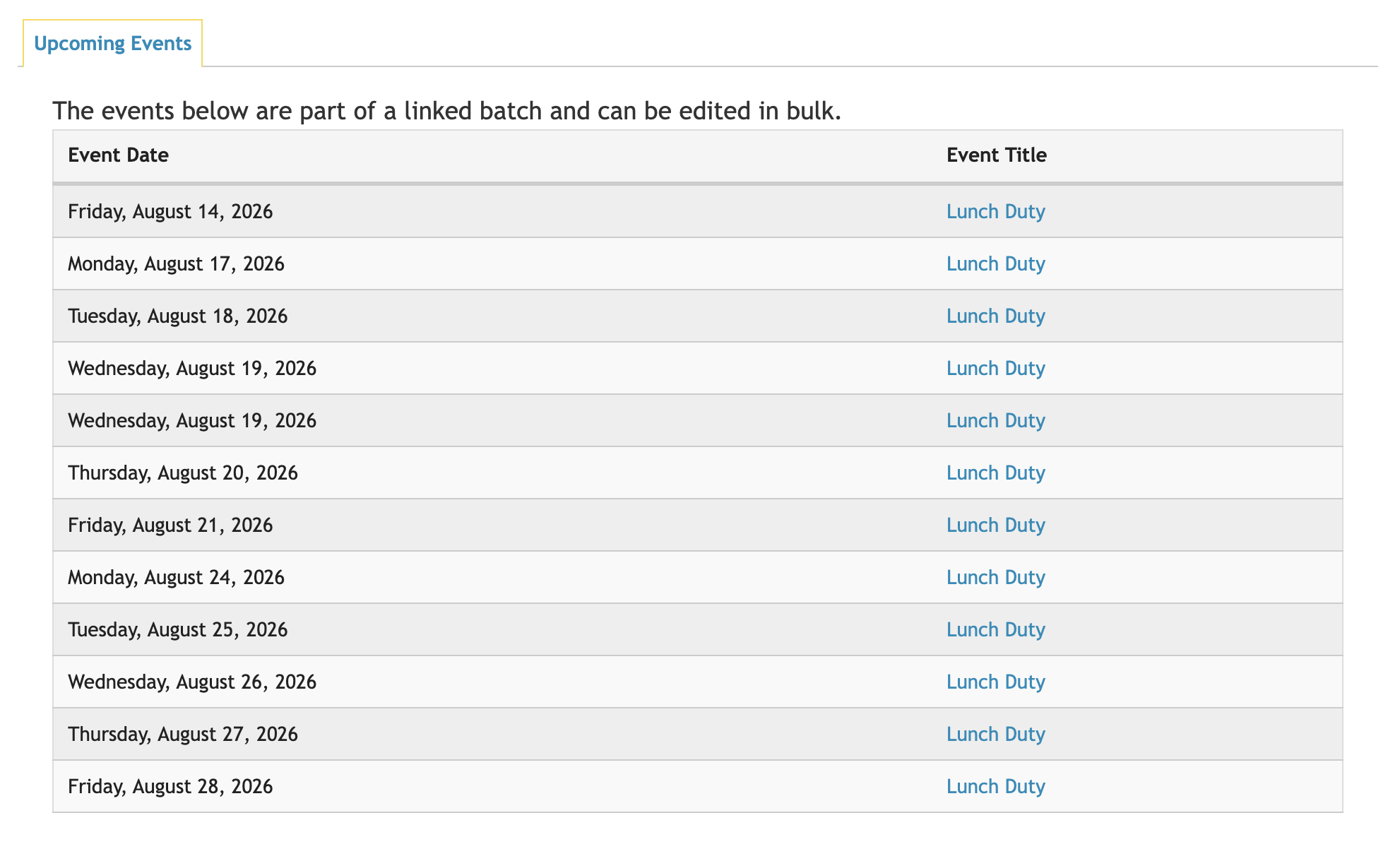
To view all events in a linked set, click View Linked Events under the Manage section of the event.